
 CamsAhead.com
Warnings from Mon Oct 26Tickets expected from about Dec 25
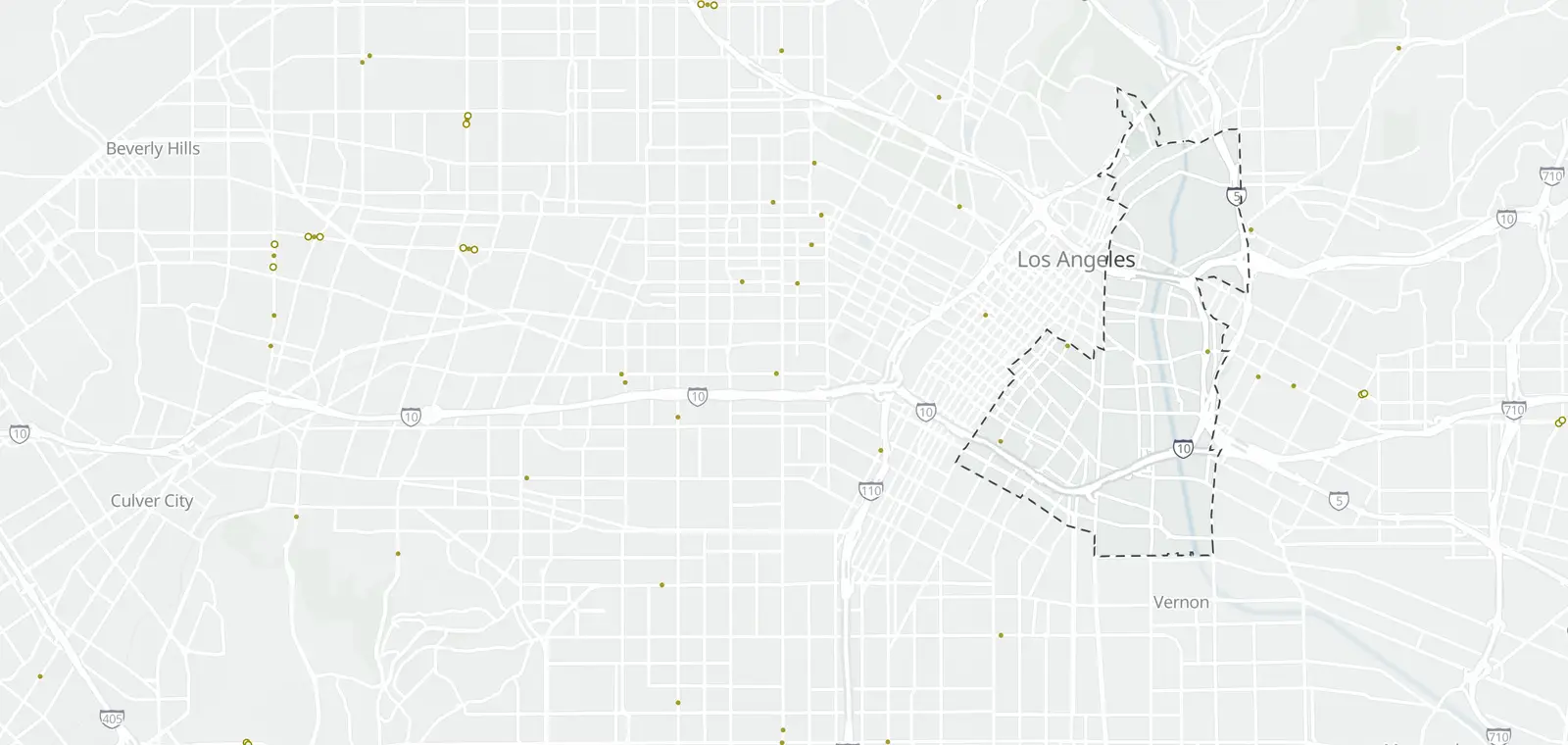
Speed cameras in Wholesale District, Los Angeles
3 speed camera locations from the city's list.
© OpenMapTiles © OpenStreetMap contributors
3 of the 125 Los Angeles speed camera locations are in Wholesale District, on E 4th St and S San Pedro St.
Status: 3 under construction. None send warnings or tickets yet.
Warnings come first: the first 60 days of enforcement on each street, then tickets.
Where the Wholesale District speed cameras are
Ticket dates
| Status | Street and segment | Planned direction | Tickets | Posted limit |
|---|---|---|---|---|
| Under construction | E 4th St S Pecan St to S Boyle Ave #14-1 · Show on map | Eastbound , south side Westbound , north side | After its street's warning period | 35 mph |
| Under construction | S San Pedro St E 17th St to E 15th St #14-3 · Show on map | Northbound , east side | After its street's warning period | 35 mph |
| Under construction | S San Pedro St E 6th St to Winston St #14-4 · Show on map | Southbound , west side Northbound , east side | After its street's warning period | 40 mph |
Know when cameras in Wholesale District change.
Free email alerts for cameras on your routes that start issuing tickets. One summary email a month.
- In your monthly summary: the day a camera near you starts issuing tickets
- New cameras mapped or reported near you
- Your street, your distance, the camera types you pick
156,883 cameras listed or mapped so far.
Speed cameras near Wholesale District
- Marengo St (14-8), Boyle Heights 300 ft outside
- S Soto St (14-6), Boyle Heights 0.4 mi outside
- W 7th St (14-5), Downtown 0.5 mi outside
Other cameras in Wholesale District · Fines and tickets in Los Angeles
Sources and updates
How this page was made: CamsAhead writes each page type once, then fills it with this place's data from the sources below.
- LADOT: Speed Enforcement Camera List by Council District (15 PDFs) joined on ID to CameraSystemLabels_view points, retrieved October 21, 2026. Public city records; no license stated.
How CamsAhead counts cameras · Report a problem · Report a camera