
 CamsAhead.com
Texas speed cameras
Texas cities may not run speed cameras: state law has barred them since 2007.
© OpenMapTiles © OpenStreetMap contributors
Not in Texas cities. Transportation Code §542.2035 has barred cities from running speed cameras on their streets since June 15, 2007. Red light cameras are banned too, since June 2, 2019, and one older program still runs. 96 speed cameras are on the map, counted apart from official lists.
What are the speed cameras on the Texas map?
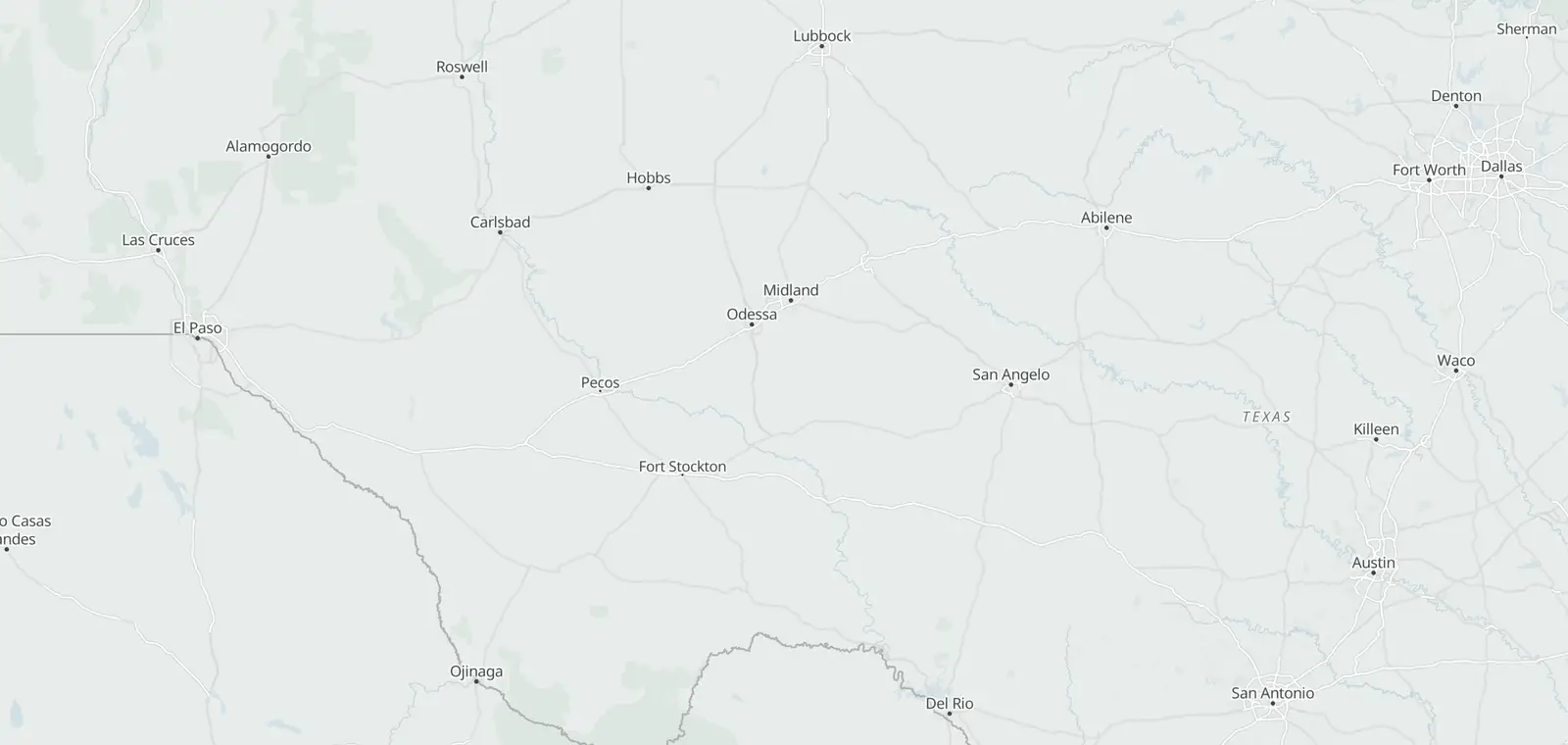
The 96 on the map are points OpenStreetMap volunteers tagged as speed cameras, most in Lewisville and Flower Mound; none names who runs it.
Are speed cameras legal in Texas?
Not for cities. Since June 15, 2007, Transportation Code §542.2035 has said:
A municipality may not implement or operate an automated traffic control system with respect to a highway or street under its jurisdiction for the purpose of enforcing compliance with posted speed limits. The attorney general shall enforce this subsection.
HB 922 added it in 2007.
Are there any exceptions?
The speed camera law lists none. HB 1631, the 2019 red light law, has one, for red light cameras only. A city or county may keep an older red light program when:
- its ordinance and its contract both came before May 7, 2019;
- it runs only “until the expiration date specified in the contract as the contract existed on May 7, 2019”;
- and the contract does not let it be ended for a change in state law.
One such program still runs, in Leon Valley.
What about red light cameras?
They are banned too. Since June 2, 2019, Transportation Code §707.020 has barred them, and one older program still runs, in Leon Valley.
Which states allow speed cameras?
It depends on the state. The state table on the US speed camera page gives each state's law and programs, as of the month shown.
Know when cameras near you change.
Free email alerts for cameras on your routes that start issuing tickets. One summary email a month.
- In your monthly summary: the day a camera near you starts issuing tickets
- New cameras mapped or reported near you
- Your street, your distance, the camera types you pick
18,357 cameras listed or mapped in Texas so far.
Questions about Texas speed cameras
Can you get a traffic ticket from a camera in Texas?
Not from a city speed camera: state law bars cities from running them. Red light cameras are banned too, but one older program still runs, in Leon Valley, under a contract signed before May 7, 2019.
Which states prohibit speed cameras?
Each state sets its own rule. The state table on the US speed camera page gives each state's law, as of the month shown. In Texas, state law bars cities from running them.
How do I know if a speed camera has caught me?
Where a program runs speed cameras, it mails a notice to the vehicle's owner that names the program and the steps to follow. Texas cities may not run speed cameras.
Sources and updates
How this page was made: CamsAhead writes each page type once, then fills it with this place's data from the sources below.
- Texas Legislature: Transportation Code, chapter 542: §542.2035, read November 1, 2026
- Texas Legislature: Transportation Code, chapter 707: §707.020, read November 1, 2026
- Texas Legislature: HB 1631, enrolled text: §7, read October 26, 2026
- OpenStreetMap contributors: speed cameras, data as of Nov 7, 2026; ODbL 1.0
Plate reader points are mapped by OpenStreetMap volunteers (data as of November 7, 2026).
How CamsAhead counts cameras · Report a problem · Report a camera