
 CamsAhead.com
City of Calgary · © OpenMapTiles © OpenStreetMap contributors
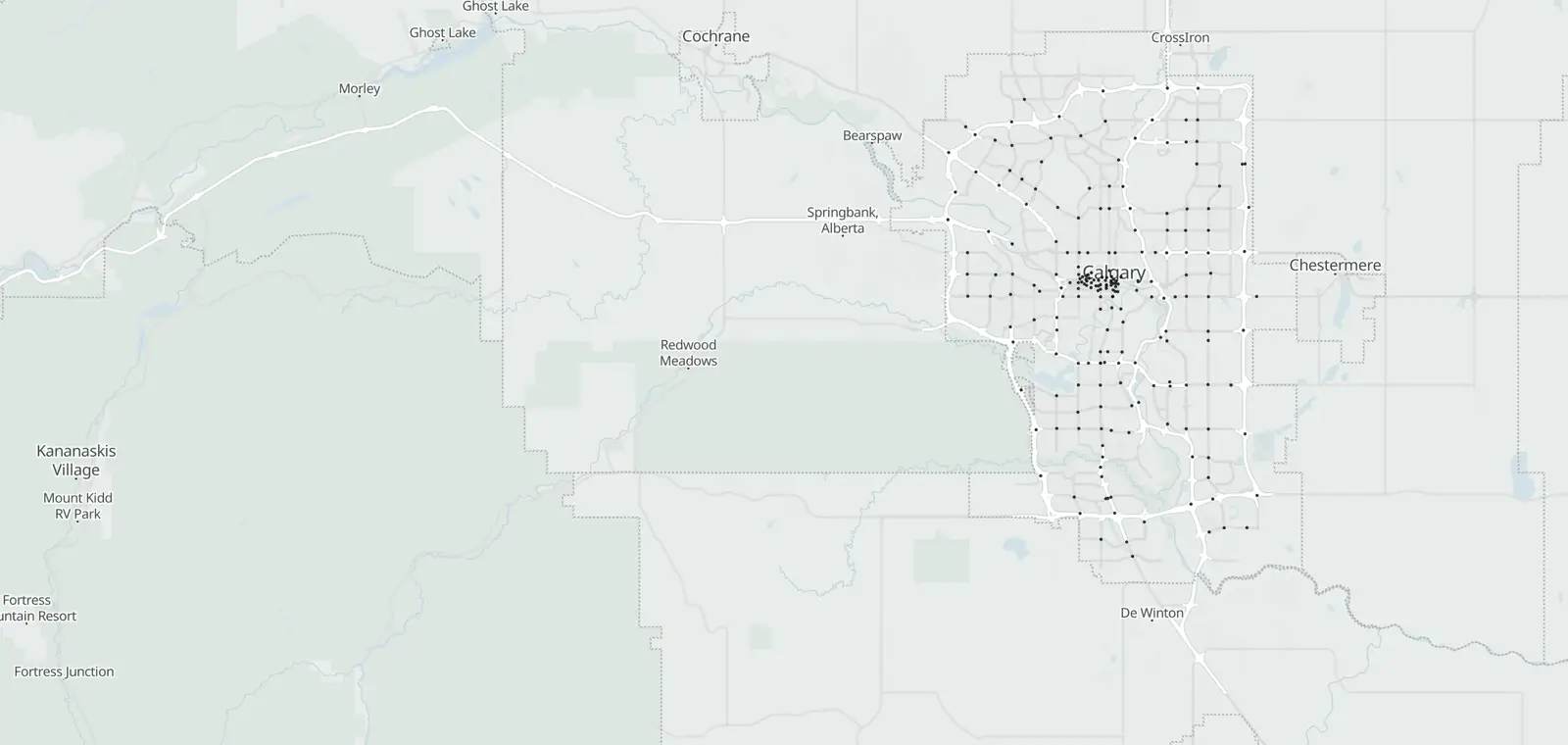
The City of Calgary posts still pictures from 214 traffic cameras on major routes and key intersections, such as Deerfoot Trail, Stoney Trail and Crowchild Trail. This page lists them by road and quadrant; tap a camera to see its picture. The City says the cameras are for traffic monitoring, not enforcement. Checked October 27, 2026.
Calgary traffic cameras by road
The City's roads in the City's order, each camera named as the City names it, with its quadrant. Tap Show picture to see one.
Other cameras by quadrant
The cameras not on the 8 roads above, by the quadrant the City's name ends in; the few on a dividing road last.
Enforcement cameras are separate
The City says these cameras are “solely for traffic monitoring and not enforcement” and that “Camera footage is not recorded” (Open Calgary). Intersection safety cameras are run by the Calgary Police Service: automated traffic enforcement.
Highways outside the city
The province posts its highway cameras, Stoney Trail's beyond the city included, on 511 Alberta. They are not on this page.
About the City of Calgary traffic cameras
The City of Calgary runs these cameras on major routes and key intersections. They post still pictures the City describes as “up-to-the-minute”. The City says: “Cameras can be down for maintenance or in the case of collisions, to protect the identity of those involved.”
CamsAhead loads each picture from the City when you tap it and keeps none. It checks the City's list, last October 27, 2026.
1 plate reader is on the map in the Calgary area: see plate readers in Canada.
Other Canadian cities: Traffic cameras in Toronto. All of Canada: cameras in Canada.
Calgary traffic camera questions
Do these cameras show video?
No. They post still pictures the City describes as “up-to-the-minute”, and one loads here when you tap it.
Why is a camera missing or offline?
The City says: “Cameras can be down for maintenance or in the case of collisions, to protect the identity of those involved.”
Do these cameras give tickets?
No. The City says they are “solely for traffic monitoring and not enforcement”. Intersection safety cameras are the Calgary Police Service's: automated traffic enforcement.
Is the footage recorded?
No. The City says: “Camera footage is not recorded.”
Where are the Stoney Trail and Deerfoot cameras?
Under Stoney Trail and Deerfoot Trail. Provincial highway cameras beyond the city are on 511 Alberta.
Are there highway cameras outside Calgary?
Yes, on the province's 511 Alberta. They are not on this page.
Are there plate readers in Calgary?
1 plate reader is on the map in the Calgary area: see plate readers in Canada.
Sources and updates
- City of Calgary, Mobility: Contains information licensed under the Open Government Licence – City of Calgary (Open Government Licence – City of Calgary). The City's list, checked October 27, 2026. Pictures load from the City when you tap one; CamsAhead stores none.
How CamsAhead counts cameras · Report a problem · Report a camera