
 CamsAhead.com
California speed cameras
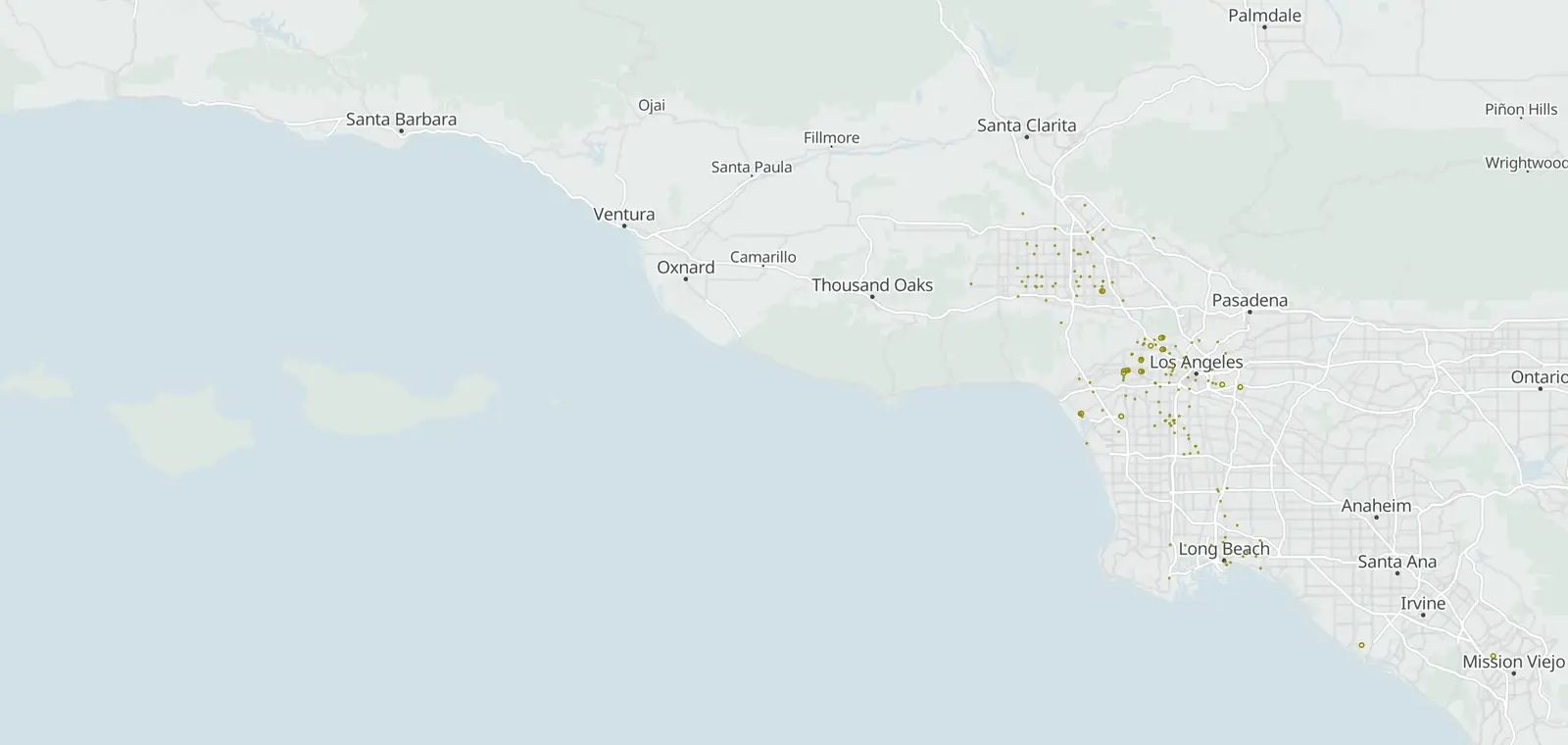
199 speed camera locations from 5 city lists, 194 of them on the map.
© OpenMapTiles © OpenStreetMap contributors
California allows speed cameras in 6 cities under AB 645 (California Vehicle Code §22425(a)). Malibu has its own law, SB 1297. CamsAhead lists 199 speed camera locations from 5 city lists: Los Angeles, Long Beach, San Francisco, Oakland and Malibu. 194 are on the map, and 51 are issuing tickets. Camera fines are civil, with no license points.
California speed camera programs
| Status | City | Run by | Tickets | Locations |
|---|---|---|---|---|
| Warning period | Los Angeles | LADOT | About Dec 25, 2026 Expected | 125of 125 allowed |
| Warning period | Long Beach | City of Long Beach | From Dec 7, 2026 Published | 18of 18 allowed |
| Issuing tickets | San Francisco | SFMTA | Since Aug 5, 2025 (as reported) | 33of 33 allowed |
| Issuing tickets | Oakland | OakDOT | Since Mar 15, 2026 (as reported) | 18of 18 allowed |
| Approved | Malibu | City of Malibu | No date yet Status as of Oct 2026 | 5listed, not on the map yet |
The speed camera law in California
Only some cities may run speed cameras. AB 645 names them: Los Angeles, San Jose, Oakland, Glendale, Long Beach and San Francisco (California Vehicle Code §22425(a)). The law caps how many cameras each city may run. The cap depends on the city's size (California Vehicle Code §22425(b)(2)).
A city's first 60 days of enforcement send warnings only (California Vehicle Code §22425(f)). So do the first 60 days on each street it adds later. A camera may not be on a state route, such as a freeway (California Vehicle Code §22425(e)). The law ends on January 1, 2032 (California Vehicle Code §22431).
Each city may put them on only three kinds of streets (California Vehicle Code §22425(b)(1)). One is a safety corridor, where the most crashes that kill or badly hurt people happen. The others are school zones and streets with repeated racing.
Malibu is not one of these cities. It has its own law, SB 1297, for Pacific Coast Highway only.
California speed camera fines
Under AB 645, a camera fine is $50, $100, $200 or $500, and the amount depends on the car's speed (California Vehicle Code §22426(c)). It is a civil penalty with no license points, the same in every city the law names. Each city page lists the speed bands and how to pay or contest.
California speed camera questions
Are speeding cameras legal in CA?
Yes, in the cities the law names. AB 645 allows them in Los Angeles, San Jose, Oakland, Glendale, Long Beach and San Francisco (California Vehicle Code §22425(a)). Malibu has its own law, SB 1297.
What cities in CA have speeding cameras?
AB 645 names Los Angeles, San Jose, Oakland, Glendale, Long Beach and San Francisco. Malibu has its own law. CamsAhead lists cameras for Los Angeles, Long Beach, San Francisco, Oakland and Malibu so far. Each list comes from the city.
When do speed cameras start in California?
Each city sets its own start date. Under AB 645, its first 60 days of enforcement send only warning notices (California Vehicle Code §22425(f)). So do the first 60 days on each street it adds later. 51 of the 199 listed locations are issuing tickets, and each city page gives its dates.
Are speed camera tickets enforceable in California?
Yes, in the cities that AB 645 names (California Vehicle Code §22425(a)). A ticket is a civil penalty with no license points (California Vehicle Code §22426(a)). To pay or contest it, follow the steps on the notice, which comes by mail to the registered owner.
Know when cameras in California change.
Free email alerts for cameras on your routes that start issuing tickets. One summary email a month.
- In your monthly summary: the day a camera near you starts issuing tickets
- New cameras mapped or reported near you
- Your street, your distance, the camera types you pick
25,611 cameras listed or mapped in California so far.
Sources and updates
How this page was made: CamsAhead writes each page type once, then fills it with this place's data from the sources below.
- LADOT: Speed Enforcement Camera List by Council District (15 PDFs) joined on ID to CameraSystemLabels_view points, checked Nov 7, 2026
- City of Long Beach: Speed Safety System Impact Report, Appendix 1 Tables 3-4 (18 initial locations), checked Nov 7, 2026
- SFMTA: Proposed_Automated_Speed_Enforcement_Locations_WFL1 layer 0, checked Nov 7, 2026
- OakDOT: Final Camera Locations (18) (Proposed_ASE_Locations_wSpeednPopData), checked Nov 7, 2026
- City of Malibu: Speed Safety System Impact Report (June 9, 2025), Appendix A, checked Oct 21, 2026
How CamsAhead counts cameras · Report a problem · Report a camera