
 CamsAhead.com
Malibu speed cameras
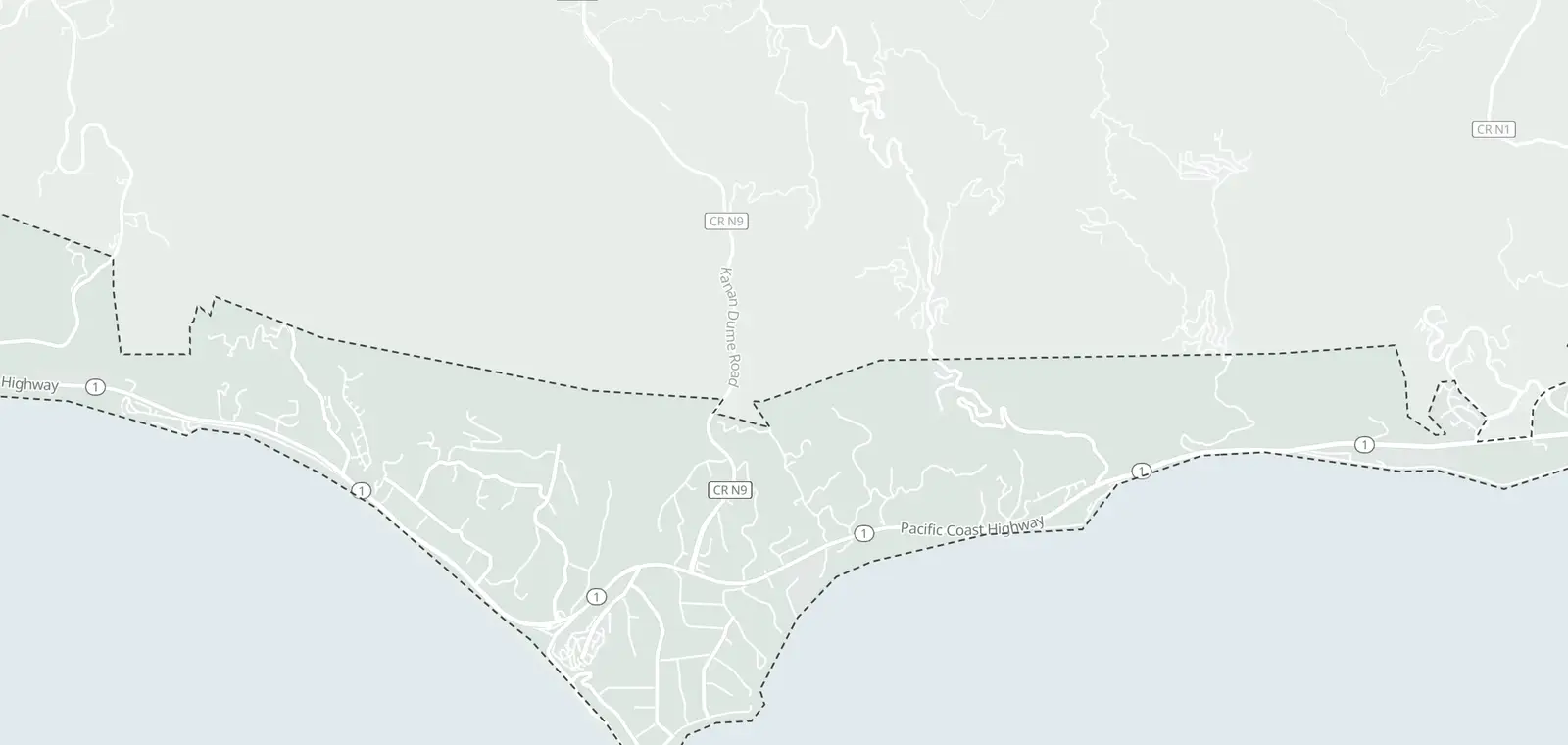
10 speed cameras at 5 sites on Pacific Coast Highway. The 5 sites are listed by street, not on the map yet.
© OpenMapTiles © OpenStreetMap contributors
Malibu lists 10 speed cameras at 5 sites on Pacific Coast Highway, one for each direction. Posted limits at these sites are 45 mph, 50 mph and 55 mph.
The city lists the program as approved, with no ticket date yet. It falls under SB 1297, a state law for this road in Malibu only.
Where the Malibu speed cameras are
Each row shows one camera and its posted limit.
| Site | Direction | Posted limit |
|---|---|---|
| Pacific Coast Highway at Decker Road Decker | Eastbound | 55 mph |
| Pacific Coast Highway at Decker Road Decker | Westbound | 55 mph |
| Pacific Coast Highway at Morning View Drive Morning View | Eastbound | 50 mph |
| Pacific Coast Highway at Morning View Drive Morning View | Westbound | 50 mph |
| Pacific Coast Highway at Latigo Canyon Road Latigo Canyon | Eastbound | 50 mph |
| Pacific Coast Highway at Latigo Canyon Road Latigo Canyon | Westbound | 50 mph |
| Pacific Coast Highway at Carbon Beach Terrace Carbon Beach | Eastbound | 45 mph |
| Pacific Coast Highway at Carbon Beach Terrace Carbon Beach | Westbound | 45 mph |
| Pacific Coast Highway at Tuna Canyon Road Tuna Canyon | Eastbound | 45 mph |
| Pacific Coast Highway at Tuna Canyon Road Tuna Canyon | Westbound | 45 mph |
Speed camera tickets in Malibu
Malibu's program falls under SB 1297, California Vehicle Code sections 22435-22441. The law covers Pacific Coast Highway in Malibu only. A notice comes by mail. It explains any fine, the deadline and how to contest it.
How Malibu's speed camera program works
The City of Malibu picked 5 sites on Pacific Coast Highway. Each site has one camera for each direction. The city lists the program as approved. The list comes from the city's impact report.
What changed in Malibu
No change since CamsAhead first read the city's list on October 21, 2026.
Malibu speed camera questions
Where are the Malibu speed cameras?
There are 5 sites on Pacific Coast Highway. They are Decker, Morning View, Latigo Canyon, Carbon Beach and Tuna Canyon. Each site has a camera for each direction listed in the table on this page.
Are the Malibu speed cameras issuing tickets?
Not as of October 21, 2026. The City of Malibu lists the program as approved. This page changes when the city publishes a new report.
Are there speed cameras on the PCH?
Malibu lists 10 speed cameras at 5 sites on Pacific Coast Highway, one for each direction. The City of Malibu lists the program as approved.
Which law allows speed cameras in Malibu?
SB 1297, California Vehicle Code sections 22435-22441. It covers Pacific Coast Highway in Malibu only.
Other California speed camera programs
Other cameras in Malibu · California speed cameras · Speed cameras in other states
Malibu speed camera data
The city's list is in its Speed Safety System Impact Report (June 9, 2025), Appendix A. It names sites and directions, with no map points.
Know when cameras in Malibu change.
Free email alerts for cameras on your routes that start issuing tickets. One summary email a month.
- In your monthly summary: the day a camera near you starts issuing tickets
- New cameras mapped or reported near you
- Your street, your distance, the camera types you pick
156,883 cameras listed or mapped so far.
Sources and updates
How this page was made: CamsAhead writes each page type once, then fills it with this place's data from the sources below.
- City of Malibu: Speed Safety System Impact Report (June 9, 2025), Appendix A, checked October 21, 2026
How CamsAhead counts cameras · Report a problem · Report a camera