
 CamsAhead.com
Caltrans (CC BY) · © OpenMapTiles © OpenStreetMap contributors
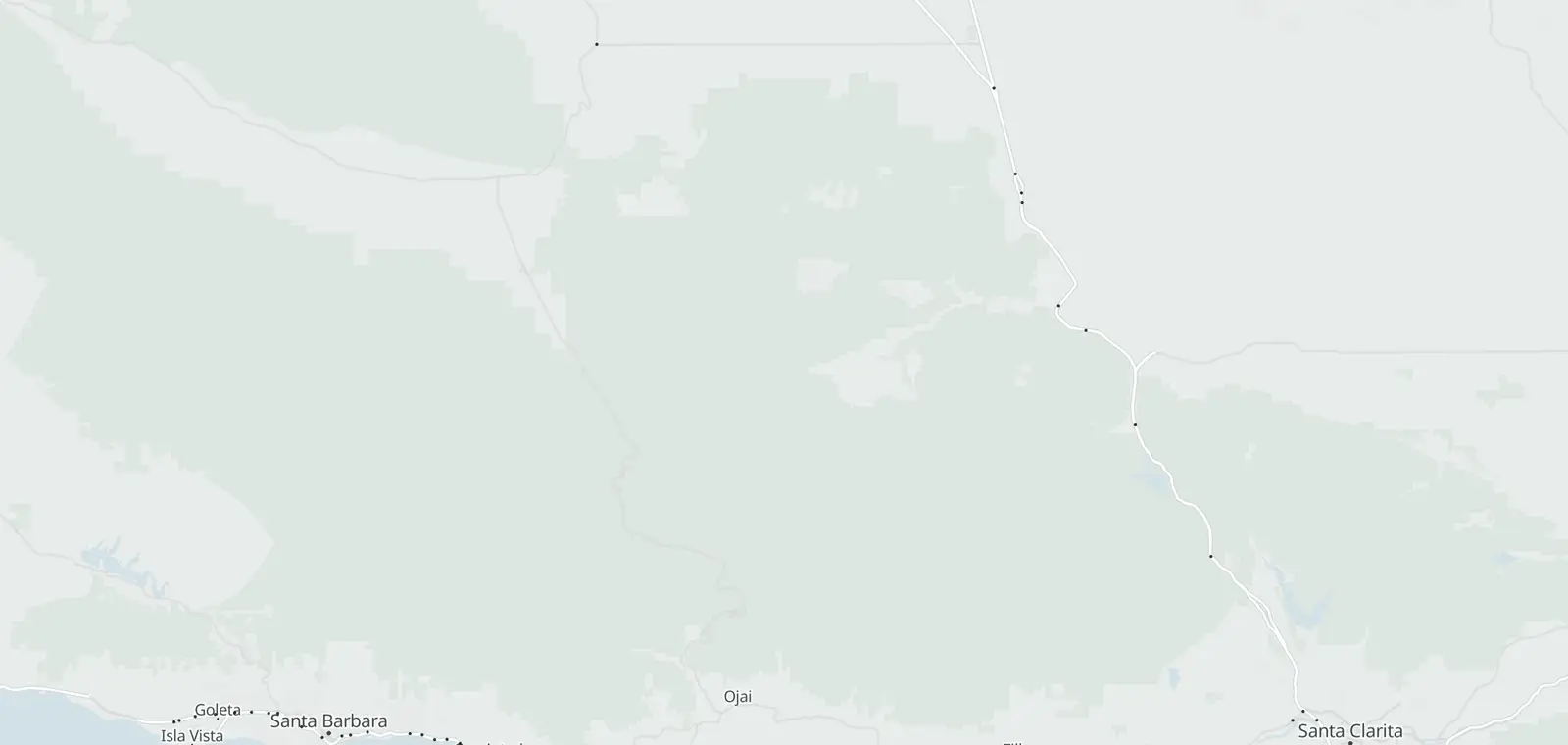
Caltrans lists 8 traffic cameras on I-5 over the Grapevine, from Castaic to Wheeler Ridge. 8 report in service, and each one links to its picture on Caltrans. The list is updated daily, last November 7, 2026. Caltrans QuickMap and the CHP post whether the Grapevine is open. This page shows the road at each camera.
Grapevine cameras, Castaic to Wheeler Ridge
The cameras climb from Castaic to Tejon Pass. Then they drop down the Grapevine grade to Wheeler Ridge. Each list runs by county, then postmile, as Caltrans tags them.
| Route, direction and place | Status | Picture |
|---|---|---|
| I-5 Northbound 3 | ||
| Near Lebec · postmile 8.22 | In service | Road picture ↗ |
| Near Lebec · postmile 8.81 | In service | Road picture ↗ |
| Near Wheeler Ridge · postmile 15.815 | In service | Road picture ↗ |
| I-5 Southbound 5 | ||
| North of Templin Hwy · postmile 67.7 | In service | Road picture ↗ |
| At Smokey Bear Rd · postmile 78.1 | In service | Road picture ↗ |
| At Gorman School Dr · postmile 85.7 | In service | Road picture ↗ |
| Near Lebec · postmile 88.587 | In service | Road picture ↗ |
| Near Lebec · postmile 10.17 | In service | Road picture ↗ |
See the Grapevine cameras on the map
Nearby corridors
- Cajon Pass (I-15) cameras 27 cameras
- I-405 traffic cameras 93 cameras
Statewide: Caltrans cameras by route and county. Other states: traffic cameras by state.
Road conditions on Grapevine
Caltrans posts chain controls, closures, freeway sign messages and CHP incidents on QuickMap and on its I-5 conditions page. Drive the posted limit.
Grapevine camera questions
Is the Grapevine open?
Caltrans posts closures for I-5 on QuickMap and on its I-5 conditions page, and the CHP posts incidents. The cameras here show the road at each spot.
Where is the Grapevine?
The Grapevine is the stretch of I-5 over Tejon Pass, between Los Angeles County and the San Joaquin Valley in Kern County. It is in California, not the city of Grapevine in Texas. The cameras here run from Castaic to Wheeler Ridge.
Is there a way to see traffic camera footage?
Not past footage. Caltrans says: “Caltrans traffic camera video footage and still images are neither retained nor archived.” Each camera on this page links to its image on the Caltrans site.
Can I get a speeding ticket from a traffic camera?
No. These Caltrans cameras show the road. They are not speed or red light cameras, and they issue no tickets. Speed cameras have their own pages, such as California speed cameras.
Is there an app that tells you where traffic cameras are?
Yes. The CamsAhead app puts these traffic cameras on a map, with speed, red light and plate reader cameras.
How do I view traffic cameras on Google Maps?
Google Maps does not show Caltrans camera images. Caltrans QuickMap does, and so does this page: each row links to the camera's picture on Caltrans.
Know when cameras in California change.
Free email alerts for cameras on your routes that start issuing tickets. One summary email a month.
- In your monthly summary: the day a camera near you starts issuing tickets
- New cameras mapped or reported near you
- Your street, your distance, the camera types you pick
25,611 cameras listed or mapped in California so far.
Sources and updates
How this page was made: CamsAhead writes each page type once, then fills it with this place's data from the sources below.
- Caltrans CWWP2: cctvStatus feeds for Districts 6 and 7, updated daily, last Nov 7, 2026; CC BY. Camera images are not stored.
How CamsAhead counts cameras · Report a problem · Report a camera