
 CamsAhead.com
Types of speed cameras in the UK
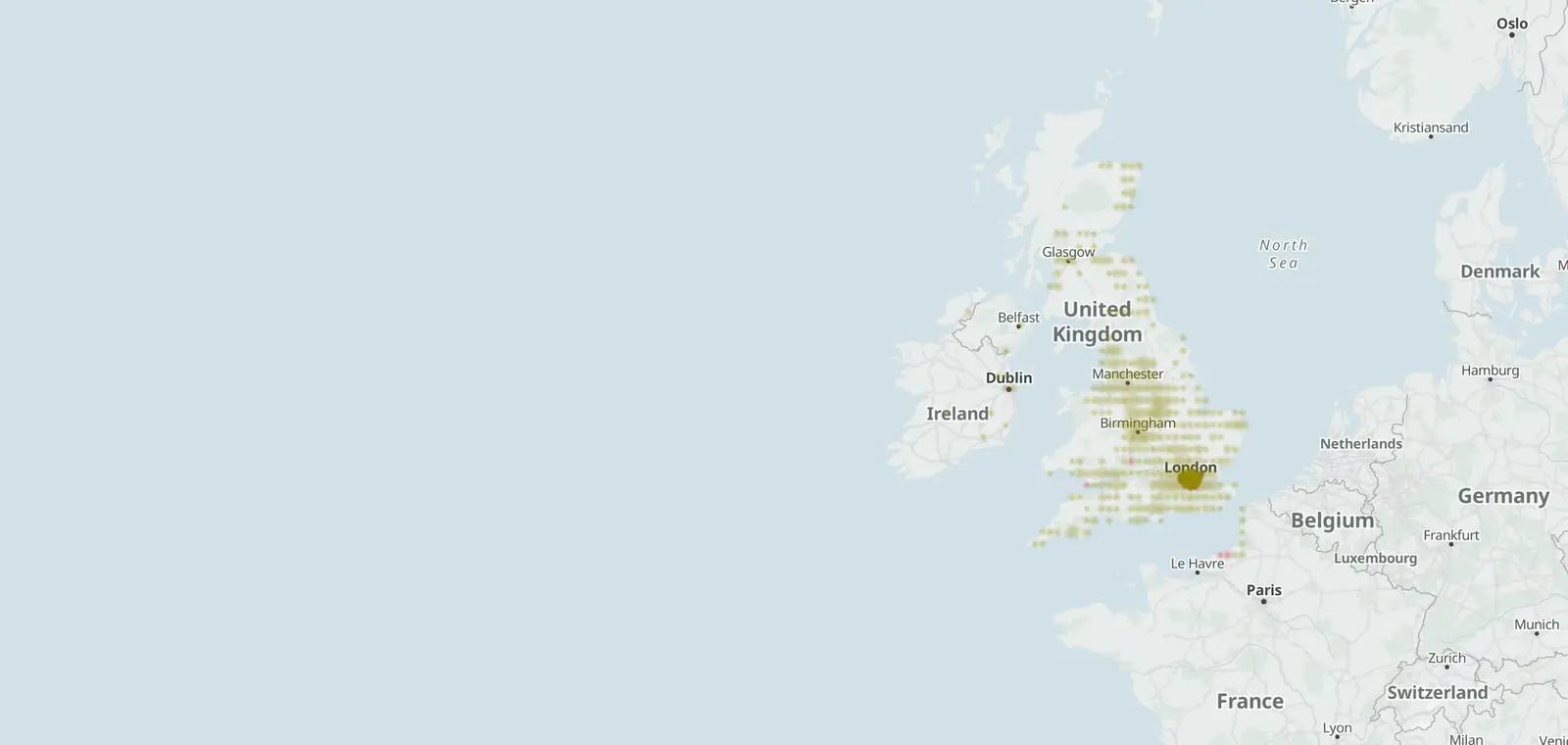
3,825 speed cameras and 307 red light cameras mapped in the UK.
© OpenStreetMap contributors (ODbL) · © OpenMapTiles
Government guidance sorts road cameras into four main kinds: fixed speed, mobile speed, average speed and red light. Gatso and Truvelo are makers' names for fixed cameras. The UK map has 3,441 speed cameras that check one spot, 384 average speed cameras and 307 red light cameras. The data is as of 26 October 2026.
The kinds of camera on the UK map
The UK map counts the cameras added to the map, by kind. It shows where cameras stand, not where a van is on a given day.
- Speed cameras at one spot 3,441
- Average speed cameras 384
- Red light cameras 307
- Other enforcement cameras 23
Fixed speed cameras: Gatso and Truvelo
A fixed speed camera stands at one spot, on a pole or a post at the side of the road. It checks the speed of each car as it passes.
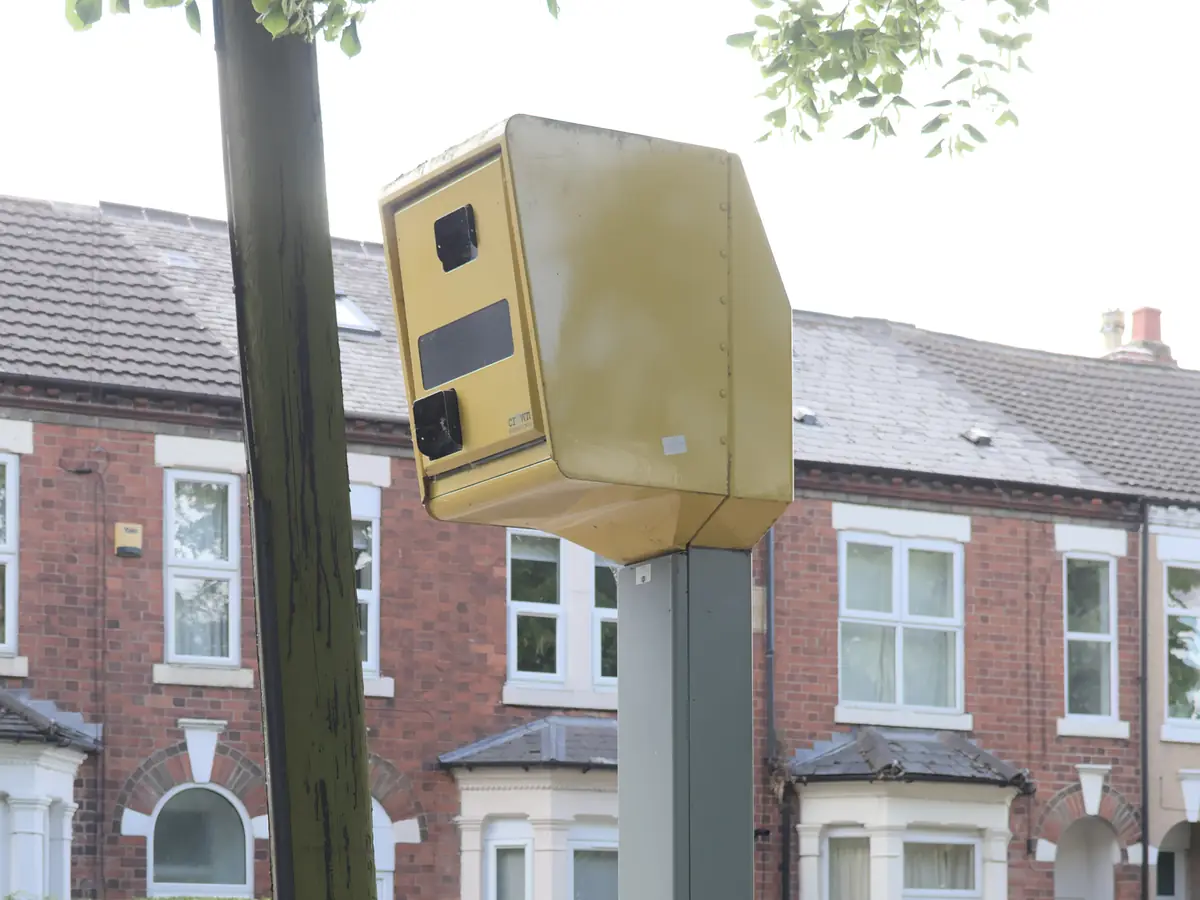
Gatso and Truvelo are the names of two camera makers. People often use them as names for these cameras.
In England and Wales, government guidance puts fixed cameras where crashes cluster at one point. 3,441 speed cameras that check one spot are on the UK map.
Why speed cameras are yellow
The same guidance says the housing of a fixed speed camera should be yellow, on the front and the back. Where there are no street lights, it should carry yellow reflective sheeting.
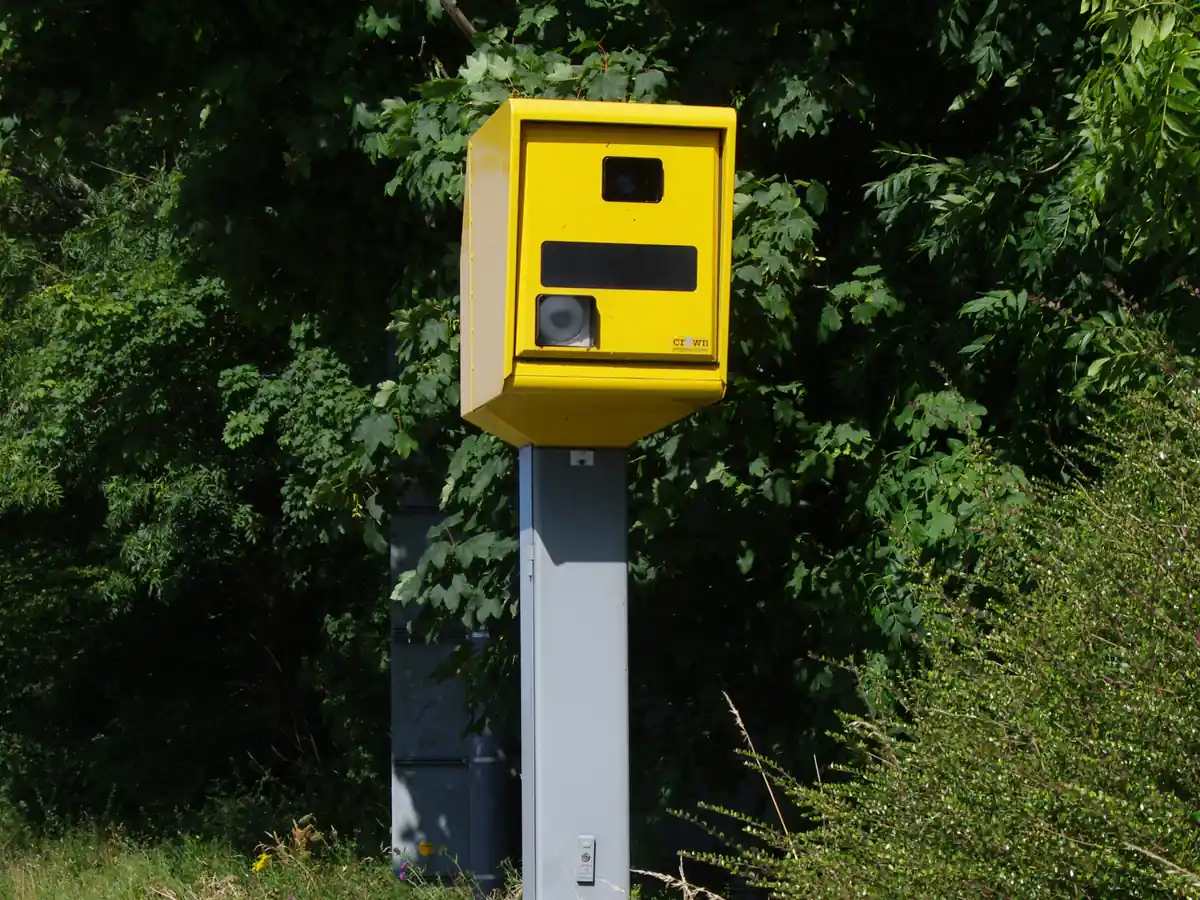
A camera or a camera van should be easy to see from 60 metres away where the limit is 40 mph or less. On faster roads, that distance is 100 metres.
Camera signs should stand with the speed limit signs where they can. A camera sign may also stand up to 1 km before the first fixed camera.
Mobile speed cameras and camera vans
Mobile speed cameras move from site to site. One may work from a van, from a tripod or in an officer's hands. The guidance places them where crashes are spread along a road, or where checks are needed at certain times of day or year.
A camera van should be marked so that drivers can tell what it is. An officer who works away from the van should wear high-vis clothing.
The map does not show where vans are on a given day. For that, check your local safety camera partnership's site.
Average speed cameras
An average speed camera reads a car's number plate at the start of a stretch of road and again at the end. Then it works out the average speed in between. SPECS is a brand name often used for them.
The guidance puts them on longer roads where crashes are spread out, and at major roadworks. 384 average speed cameras and 80 mapped sections are on the UK map.
Average speed cameras in the UK: 80 mapped sections, by road.
HADECS cameras on motorways
HADECS is a camera system on some motorways. It checks a variable speed limit, one that changes to smooth traffic at busy times.
In Scotland, HADECS cameras check the variable speed limit between the M90 at Halbeath and the M9 north of Newbridge. They started on 23 May 2022.
Red light cameras
A red light camera, also called a traffic light camera, checks that cars stop at a red light. The guidance puts them at traffic lights where drivers have caused crashes by going through a red light.
The yellow and visibility rules cover speed cameras, not red light cameras: the red light itself tells drivers to stop. 307 red light cameras are on the UK map.
Red light cameras in the UK, by area · Speed cameras near me
Sources and updates
- Department for Transport, Circular 01/2007: Use of speed and red-light cameras for traffic enforcement: guidance on deployment, visibility and signing (31 January 2007, England and Wales): the kinds of camera, signs, visibility, yellow housings and vans, read 27 October 2026
- Transport Scotland: M90 camera system to be introduced (9 May 2022): HADECS and the variable speed limit, read 27 October 2026
- OpenStreetMap contributors: speed, average speed, red light and other enforcement cameras, and the motorways and A roads they sit on, data as of 26 October 2026; ODbL 1.0
- Transport for London (London Safety Camera Partnership): London's speed and red light camera sites, read 7 November 2026. Powered by TfL Open Data. Contains OS data © Crown copyright and database rights 2016 and Geomni UK Map data © and database rights [2019]; TfL Transport Data Service licence (Open Government Licence v2.0 with TfL amendments)
- Office for National Statistics: Local Authority Districts (May 2026) Boundaries UK BGC (generalised 20 m, clipped to the coastline), and the English regions, which place each camera. Source: Office for National Statistics licensed under the Open Government Licence v.3.0. Contains OS data © Crown copyright and database right 2026.
- Natural Earth: the UK outline on the map, 1:50m (public domain)
Cite this page: “Types of Speed Cameras in the UK: Gatso, Truvelo, HADECS”, CamsAhead.com, https://camsahead.com/uk/guides/camera-types/, updated 7 November 2026.
How CamsAhead counts cameras · Report a problem · Report a camera