
 CamsAhead.com
© OpenStreetMap contributors (ODbL) · © OpenMapTiles
The M5 has 12 speed cameras on the map. The most are in Wychavon, with 5. None of them has a posted limit on the map. No average speed sections are mapped on it. The counts are from the map, as of 26 October 2026.
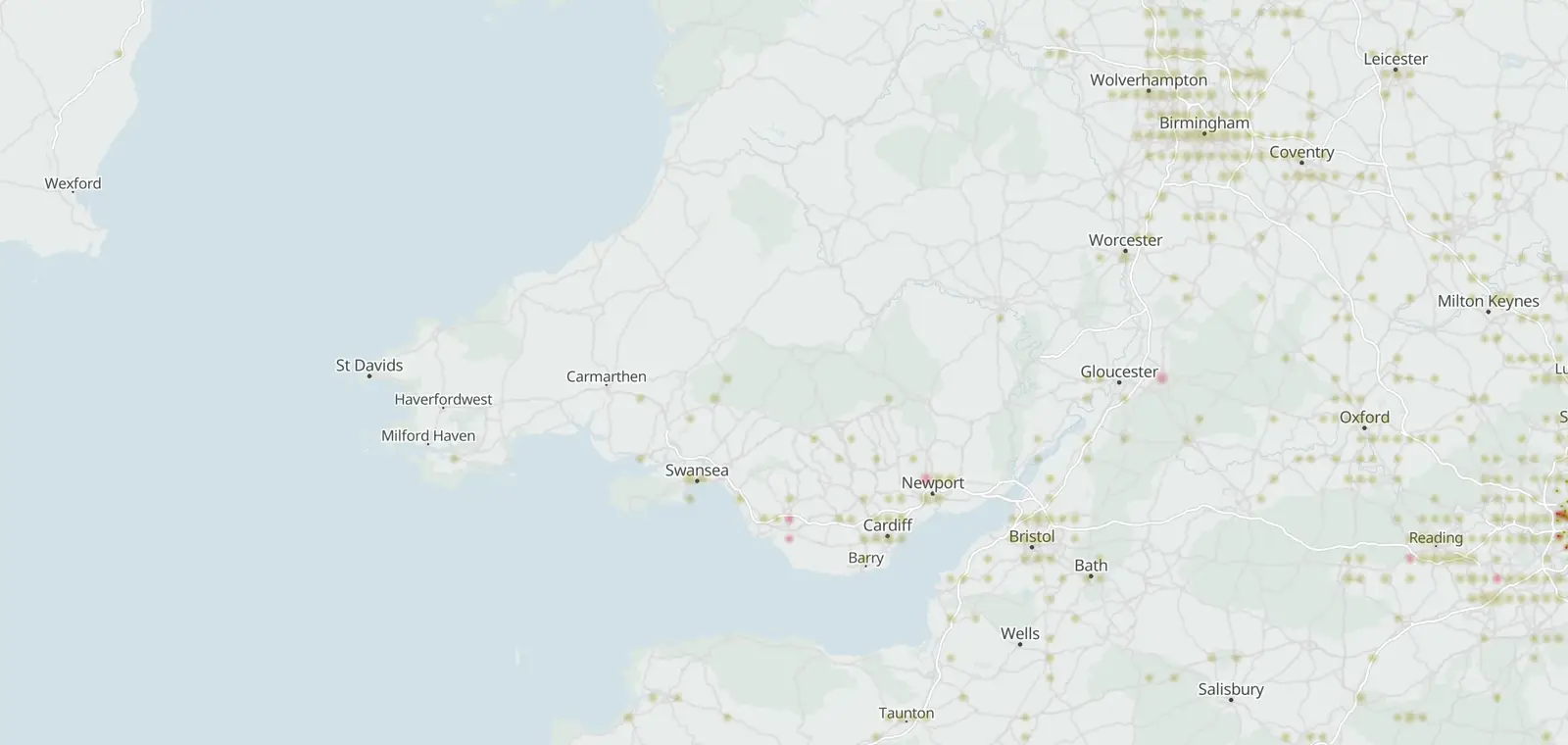
M5 speed camera map
Each bright dot is a camera on the M5. Faint dots are other cameras close by. Open the full map to zoom in on a stretch of the road.
Cameras on the M5 by kind
12 cameras on the M5 are on the map in all. Average speed cameras are speed cameras too, so the speed total holds them.
- Speed cameras at one spot 12
Where the cameras on the M5 are
The M5 runs through 4 local authority areas that have cameras on the road. Each row counts the cameras on the road in that area.
By region: West Midlands 9 and South West 3.
| Local authority area | Region or nation | Cameras |
|---|---|---|
| Wychavon | West Midlands | 5 |
| South Gloucestershire | South West | 3 |
| Bromsgrove | West Midlands | 3 |
| Sandwell | West Midlands | 1 |
Posted limits on the M5
None of the 12 cameras on the M5 has a posted limit on the map.
Average speed cameras on the M5
No average speed sections or average speed cameras are mapped on the M5.
When the M5 cameras were mapped
7 of the 12 cameras carry the day they were first added to the map. The earliest is from 19 October 2015, the latest from 22 December 2022.
More roads and places
Other roads with pages of their own that run through the same regions, most speed cameras first.
Sources and updates
- OpenStreetMap contributors: speed, average speed, red light and other enforcement cameras, and the motorways and A roads they sit on, data as of 26 October 2026; ODbL 1.0
- Office for National Statistics: Local Authority Districts (May 2026) Boundaries UK BGC (generalised 20 m, clipped to the coastline), and the English regions, which place each camera. Source: Office for National Statistics licensed under the Open Government Licence v.3.0. Contains OS data © Crown copyright and database right 2026.
- Natural Earth: the UK outline on the map, 1:50m (public domain)
Cite this page: “M5 Speed Cameras: 12 Mapped, by Area (UK)”, CamsAhead.com, https://camsahead.com/uk/roads/m5/, updated 26 October 2026.
How CamsAhead counts cameras · Report a problem · Report a camera